Lifecycle
For reusable email sections that support product, customer, and operational messages.
Production block
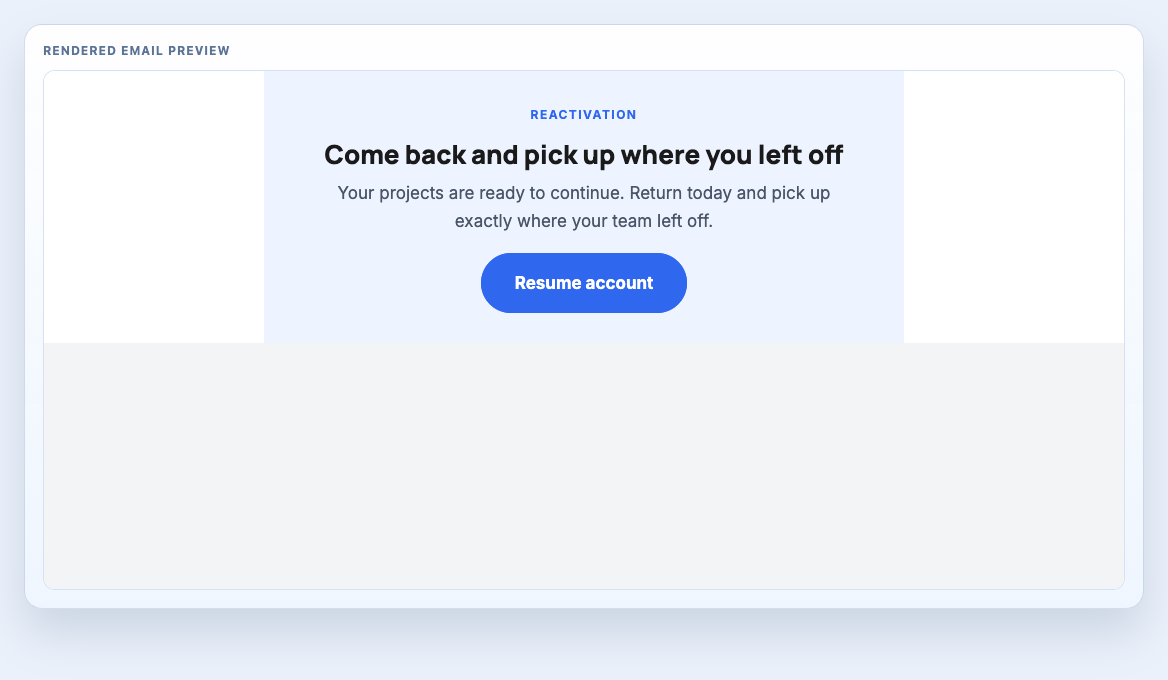
Return-to-product banner for churn win-back, dormant accounts, and reactivation campaigns.
Use for lightweight win-back emails where the value proposition and return path should be obvious immediately.
Between the hero and close, where the message needs explanation, proof, or supporting detail.
To reuse a production-tested email section without starting from a blank file.
Preview
Rendered production artefact for workflow review before handoff.
Treat the component as one production section inside a larger message system. It should support the send goal, survive handoff, and remain easy to review before compilation.
For reusable email sections that support product, customer, and operational messages.
These relationships help buyers understand the block as part of a send, not as an isolated catalogue item.
Keep the checks short and action-oriented. The goal is to help teams decide whether this block is ready to enter a workflow.
A production email usually needs a stack of blocks. These nearby sections are a sensible next choice when assembling a full send.
Step-based onboarding prompt for setup sequences, activation nudges, and product adoption emails.
Checklist block for trial-started flows that need a simple first-run activation sequence.
Compact app-download section with platform badges for onboarding, support, and activation emails.
Source stays below the preview and workflow context. Copy MJML when assembling a system, or compiled HTML when preparing ESP handoff. Template Hedgehog Pro includes the full offline archive for teams that need the complete system locally.
Block assembly: place this section inside the same <mj-body> as your other production blocks, then stack sections in send order.
Editable source
Section-only MJML for assembling an email from multiple reusable production blocks inside a shared project.
Formatting code preview...Compiled output
Component-only compiled markup for block-level inspection and HTML assembly workflows.
Formatting code preview...