Goal
Drive first meaningful action and reduce first-week drop-off.
Move new users from account creation to first product action without rewriting the same welcome flow.
Workflow assembly
Trigger to production output
01
Real send event
02
Message journey
03
Complete structure
04
Reusable blocks
05
Production output
Sent after a user creates an account but before activation milestones are complete.
Drive first meaningful action and reduce first-week drop-off.
SaaS Welcome System
This workflow is part of Core and remains included in Pro. Use it as a starter production system, then move to Pro when recurring lifecycle, transactional, campaign, and newsletter work needs the full archive.
Workflow pages expose the production shape before purchase: trigger, goal, required fields, variants, QA risks, handoff steps, and linked layout. The paid archive adds the editable source and compiled output for the workflows included in your tier.
A workflow is useful when the implementation contract is visible before anyone starts editing markup.
user.first_name
Recipient personalisation for the opening line.
account.verify_url
Primary activation destination.
support.contact_url
Fallback support route for blocked users.
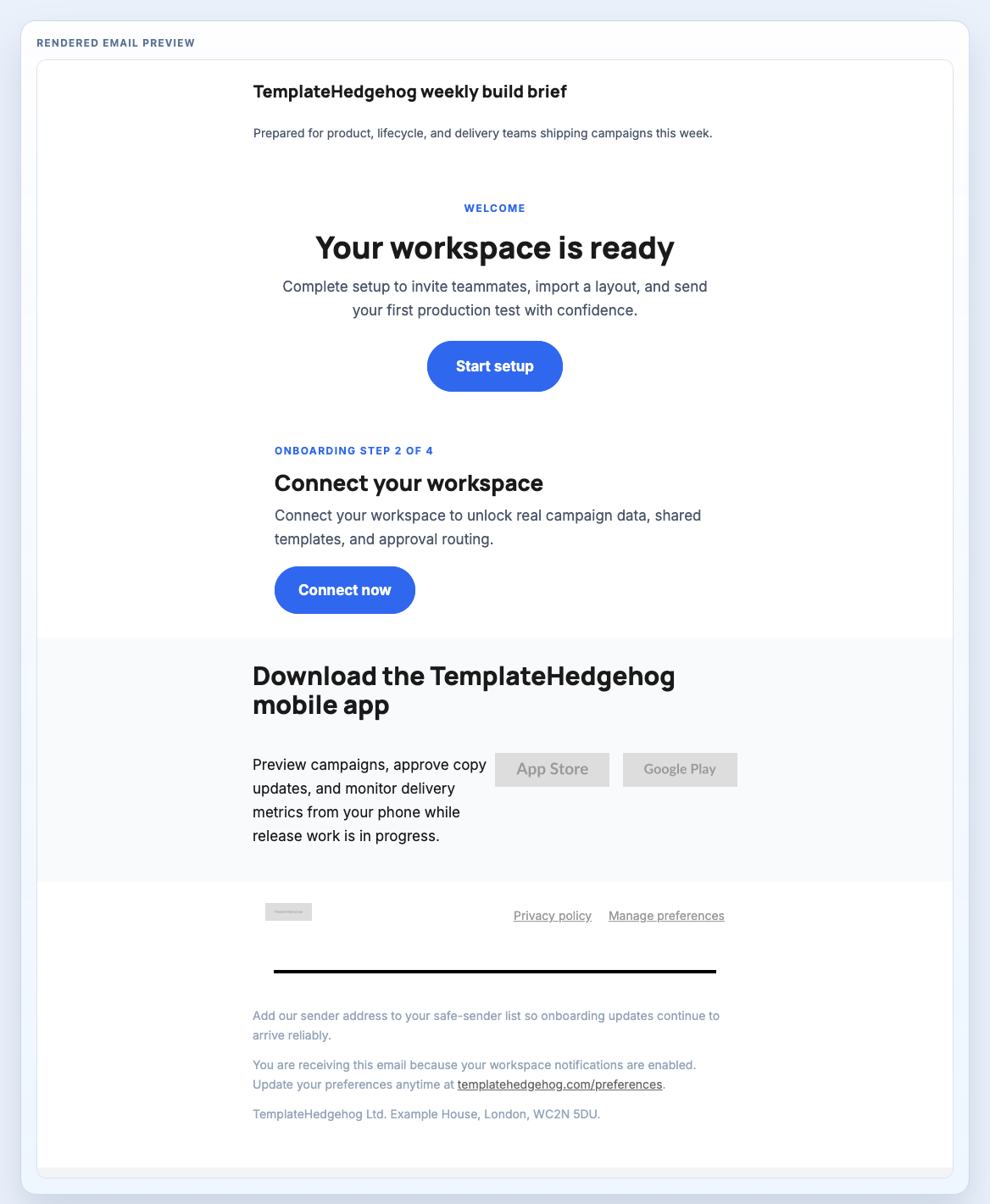
Welcome email recipe for SaaS products, combining an onboarding hero, step card, app-download route, and onboarding footer.
Header, Welcome Email Hero, Onboarding Step Card, App Download Strip, Footer Onboarding Legal
welcome-email.mjml
The value is not only the rendered email. It is knowing what has to be checked before the ESP takes over.
Template Hedgehog prepares the source, compiled output, preview, QA notes, and handoff context. Mailchimp, HubSpot, Salesforce, NetSuite, Klaviyo, Customer.io, or your ESP still handle audiences, consent, unsubscribe, automation, sending, delivery, and reporting.
Core is enough when the essential starter workflows solve the immediate implementation. Pro is the upgrade when the same source-to-handoff process becomes recurring work across more sends.