MJML source
Editable layout source for adapting copy, block order, imagery, and CTA destinations.
Deployable workflow package
Upgrade confirmation email that confirms the plan change, reinforces product value, and keeps the app close to hand.
Lifecycle workflow
Use it when a product or SaaS team needs an onboarding, activation, retention, or upgrade email that is ready to adapt.
Source, compiled HTML, rendered preview, QA notes, component structure, and handoff context.
Source to handoff
Supports customer lifecycle journeys from trigger to handoff. Template Hedgehog prepares the artefact. The sending platform handles audiences, consent, automation, unsubscribe, reporting, and delivery.
Rendered preview
Complete production package preview before upload, QA, and handoff.
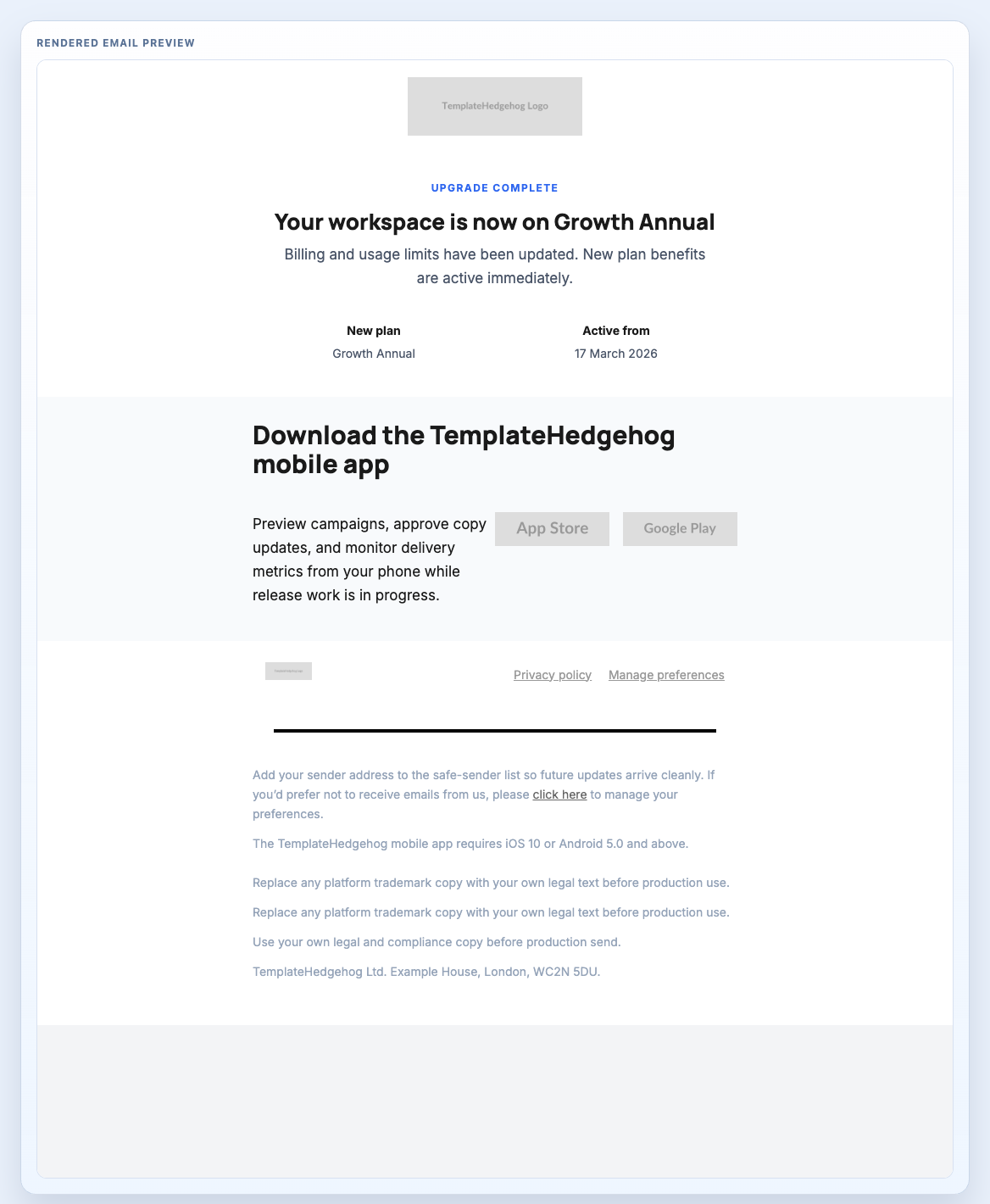
This is the full workflow package framing: editable source, compiled output, rendered proof, QA guidance, implementation notes, and a component stack your team can inspect. Template Hedgehog Pro keeps the archive local for teams that want source and handoff files together.
Editable layout source for adapting copy, block order, imagery, and CTA destinations.
Production output for ESP upload, QA review, or developer handoff.
Visual proof of the complete email before it moves into a sending platform.
Practical checks for links, images, mobile stacking, footer/legal copy, and platform tokens.
How to move from editable source to compiled output and final platform handoff.
The reusable production blocks that make up the workflow package.
The layout is not a static screenshot. It is a workflow-ready stack of reusable blocks that can be inspected together or opened individually when a section needs source-level adjustment.
Creates a cleaner product-led frame.
Carries the main confirmation state.
Keeps the next product action visible after confirmation.
Closes with platform-safe legal language.
Template Hedgehog prepares the artefact. Mailchimp, HubSpot, Salesforce, NetSuite, Klaviyo, Customer.io, or your ESP still handle audiences, consent, automation, unsubscribe, reporting, and sending.
MJML and HTML remain available for implementation, but the package value is the complete production workflow: preview, structure, QA, handoff, and source together.
Editable source
Editable workflow source for adjusting message order, copy, imagery, and destination URLs.
Formatting code preview...Compiled output
Final output for ESP upload, QA review, and handoff workflows.
Formatting code preview...Workflow package
Layout pages show the deployable artefact, the underlying blocks, and the handoff boundary before your team moves into an ESP.