Goal
Reduce where-is-my-order contacts with precise, timely status updates.
Keep customers informed on fulfilment progress with clear tracking and status context.
Workflow assembly
Trigger to production output
01
Real send event
02
Message journey
03
Complete structure
04
Reusable blocks
05
Production output
Sent when parcel status changes after dispatch.
Reduce where-is-my-order contacts with precise, timely status updates.
Shipping Notification System
This workflow is part of the Pro archive. Use it when this send is recurring enough that source ownership, QA notes, variants, and handoff context matter more than a one-off template.
Workflow pages expose the production shape before purchase: trigger, goal, required fields, variants, QA risks, handoff steps, and linked layout. The paid archive adds the editable source and compiled output for the workflows included in your tier.
A workflow is useful when the implementation contract is visible before anyone starts editing markup.
shipment.tracking_number
Carrier tracking reference.
shipment.status_label
Current fulfilment status.
shipment.track_url
Carrier or branded tracking destination.
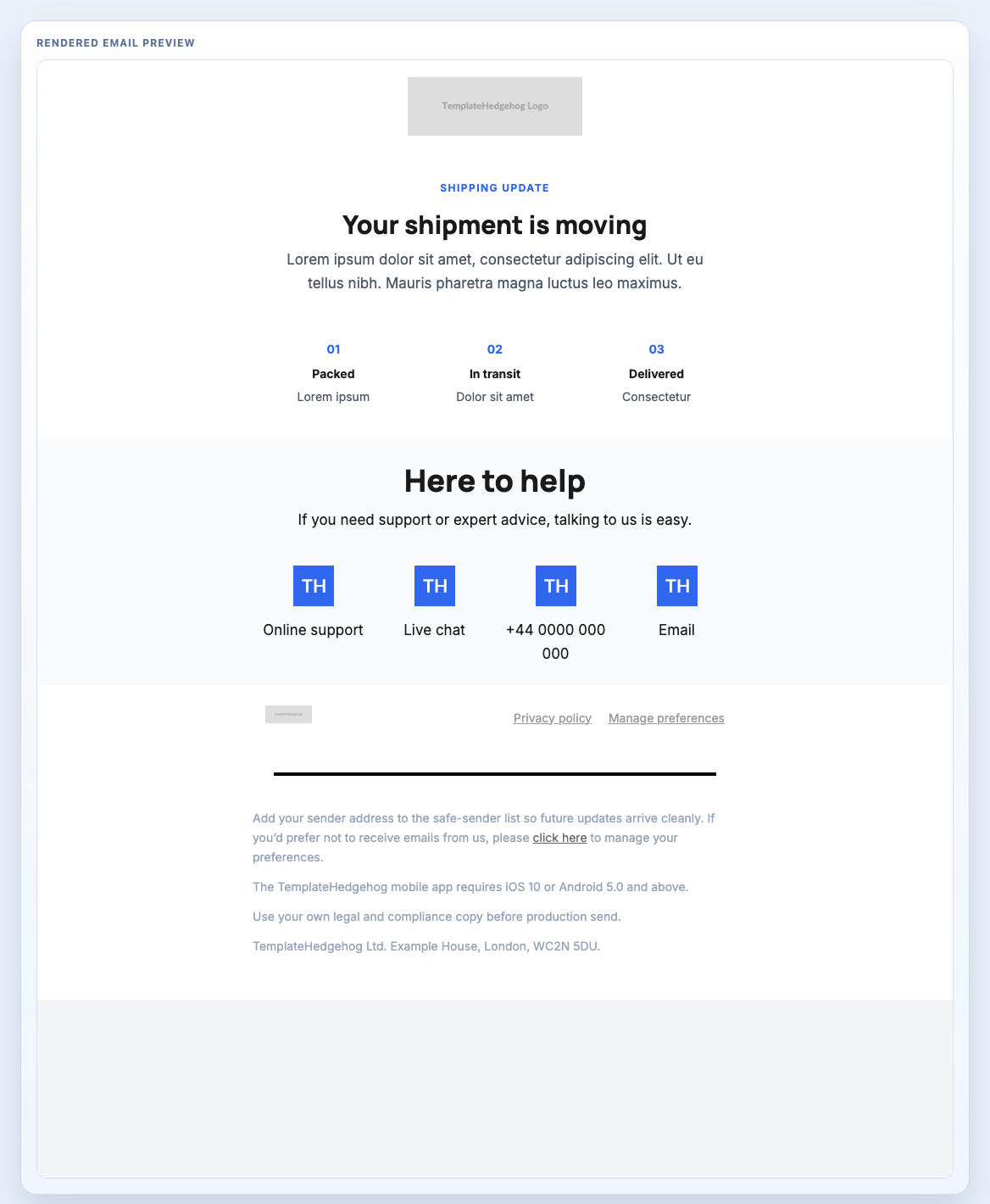
Shipping update email combining tracking context, support links, and a clean legal footer.
Header Centred, Shipping Notification Tracker, Support Links Light, Footer Privacy Light
shipping-notification.mjml
The value is not only the rendered email. It is knowing what has to be checked before the ESP takes over.
Template Hedgehog prepares the source, compiled output, preview, QA notes, and handoff context. Mailchimp, HubSpot, Salesforce, NetSuite, Klaviyo, Customer.io, or your ESP still handle audiences, consent, unsubscribe, automation, sending, delivery, and reporting.
Pro is the archive for teams that keep rebuilding production emails and need repeatable workflows, editable MJML, compiled HTML, QA notes, implementation guidance, and updates.