Acquisition
For campaign intros and launch moments where the first screen needs a clear action.
Production block
Split announcement block for new features, product launches, and release highlights.
Use when the new feature needs both a visual cue and a clear explanatory message in the first screenful.
At the top of a campaign, launch, onboarding, or announcement send.
To give campaign teams a reliable first block that can move from source to handoff quickly.
Preview
Rendered production artefact for workflow review before handoff.
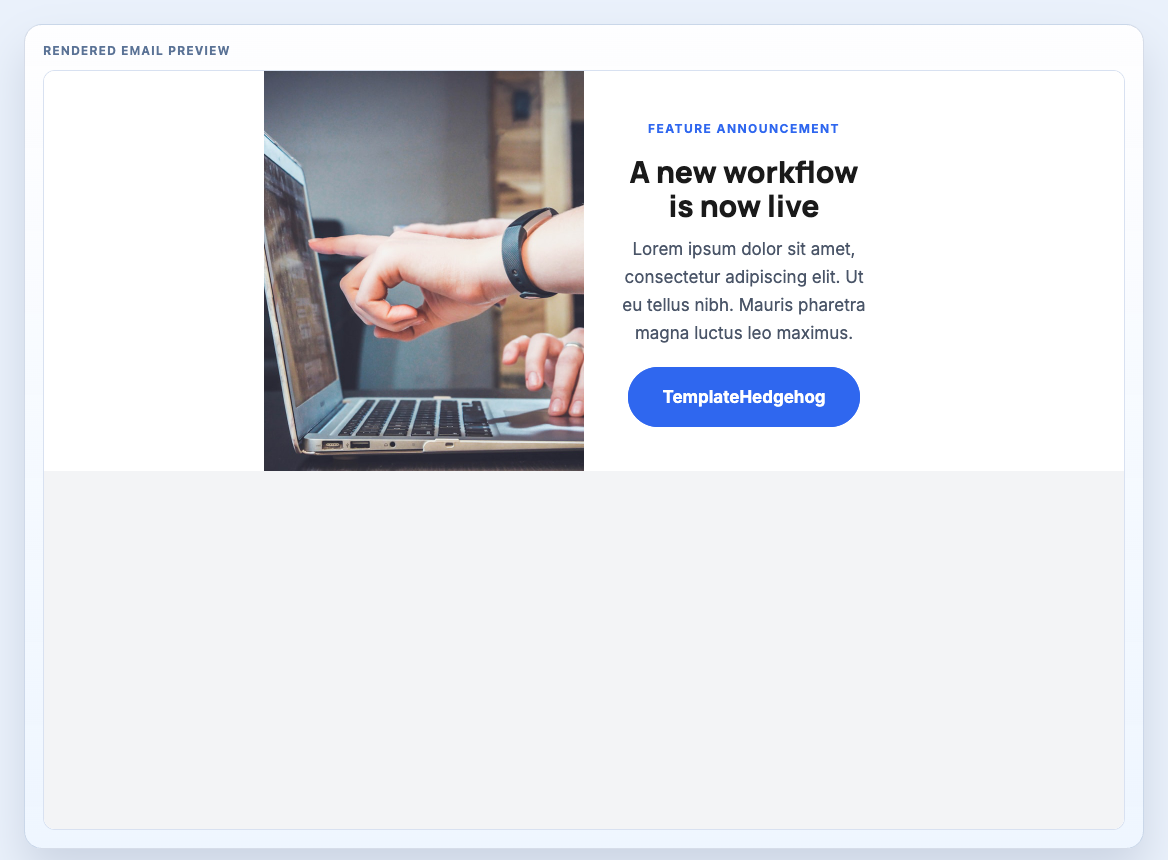
Treat the component as one production section inside a larger message system. It should support the send goal, survive handoff, and remain easy to review before compilation.
For campaign intros and launch moments where the first screen needs a clear action.
These relationships help buyers understand the block as part of a send, not as an isolated catalogue item.
Keep the checks short and action-oriented. The goal is to help teams decide whether this block is ready to enter a workflow.
A production email usually needs a stack of blocks. These nearby sections are a sensible next choice when assembling a full send.
Source stays below the preview and workflow context. Copy MJML when assembling a system, or compiled HTML when preparing ESP handoff. Template Hedgehog Pro includes the full offline archive for teams that need the complete system locally.
Block assembly: place this section inside the same <mj-body> as your other production blocks, then stack sections in send order.
Editable source
Section-only MJML for assembling an email from multiple reusable production blocks inside a shared project.
Formatting code preview...Compiled output
Component-only compiled markup for block-level inspection and HTML assembly workflows.
Formatting code preview...